How to Change Your New Tab Page in Chrome, Firefox and Edge
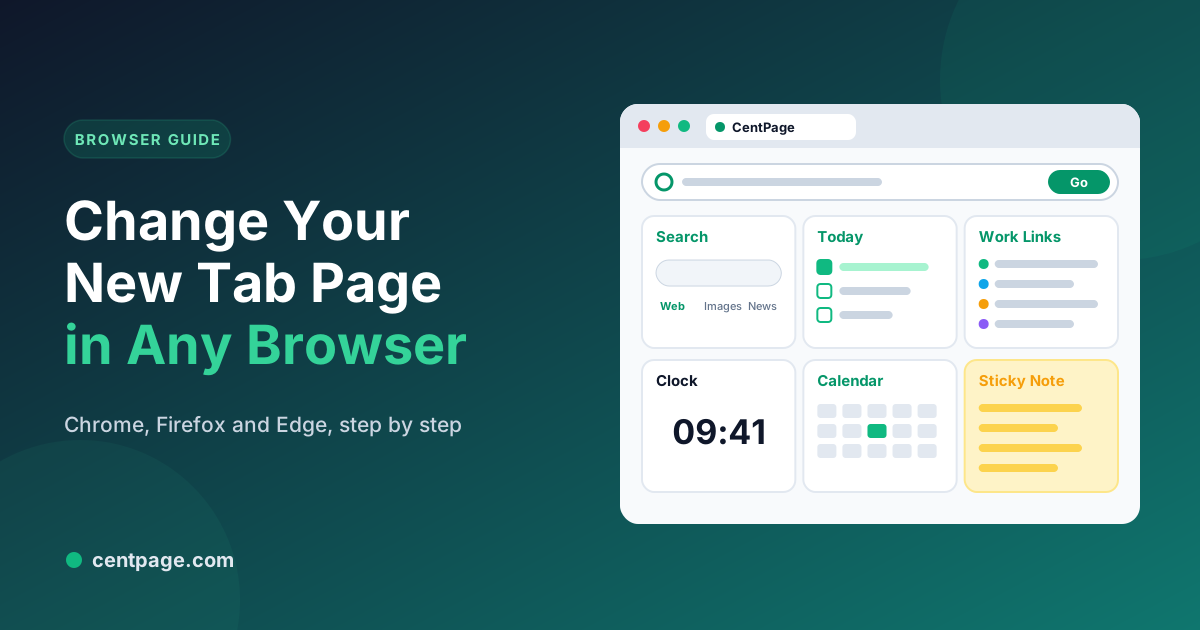
How to change your new tab page in Chrome, Firefox and Edge: built-in settings, custom new tab extensions, and turning a blank tab into a useful dashboard.
Language
This page is in English. Other languages open the translated homepage.
Language
This page is in English. Other languages open the translated homepage.
In-depth guides, browser extensions, and workflow strategies to organize your digital workspace and browse the internet faster.
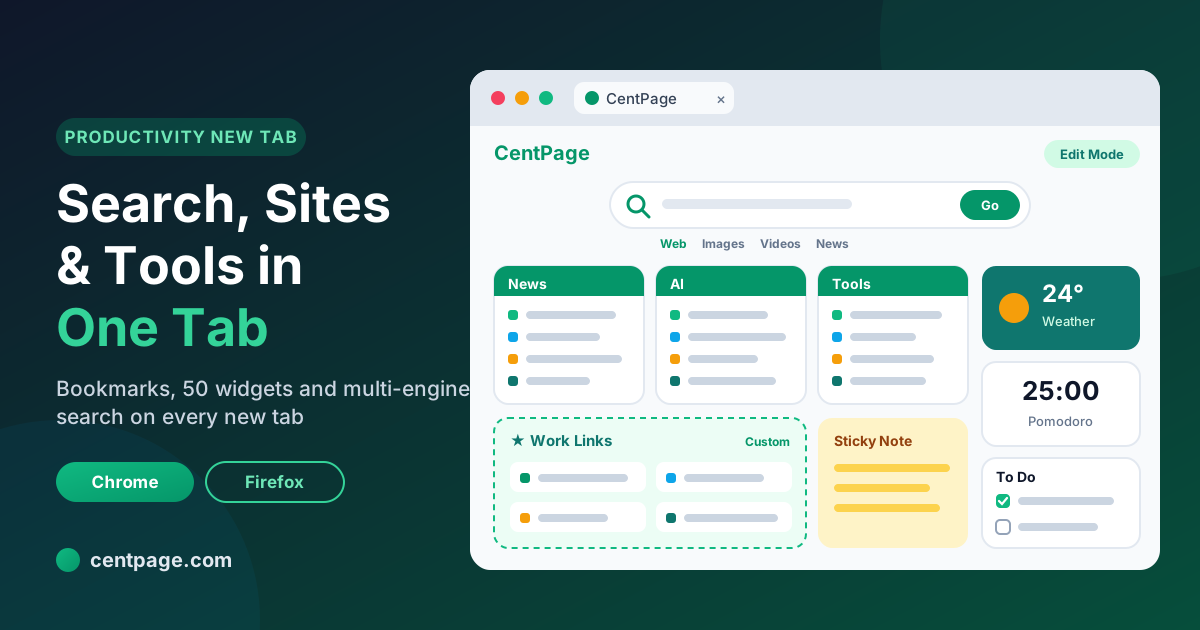
CentPage turns your new tab into a productivity dashboard: multi-engine search, bookmark tables and 50 widgets. See features, free vs Premium and setup steps.
How to change your new tab page in Chrome, Firefox and Edge: built-in settings, custom new tab extensions, and turning a blank tab into a useful dashboard.
How to organize bookmarks in Chrome, Firefox and Edge with a simple four-part system: daily links, project folders, a reading list and an archive.
Use the Pomodoro Technique in your browser: run 25-minute focus sessions with a free online Pomodoro timer and adapt it for coding, studying and busy days.
Set your homepage and startup pages in Chrome, Firefox and Edge step by step, show the Home button, and pick a homepage that helps you get started.
A 5-minute daily planning routine: pick three priorities, block time for them and keep them on every new tab. Includes a dashboard layout you can copy.
How to use multiple search engines: when to switch, how to set search shortcuts in Chrome, Firefox and Edge, and how to search several engines from one box.
Build a study dashboard in your browser with course links, deadlines, a focus timer and learning tools, so every new tab helps you study, not scroll.
Set up your browser for remote work: separate profiles, a work dashboard, a world clock, saved sessions per project and habits that protect your focus.
The browser keyboard shortcuts worth learning in Chrome, Firefox and Edge: tabs, windows, address bar, search, bookmarks and navigation, on Windows and Mac.
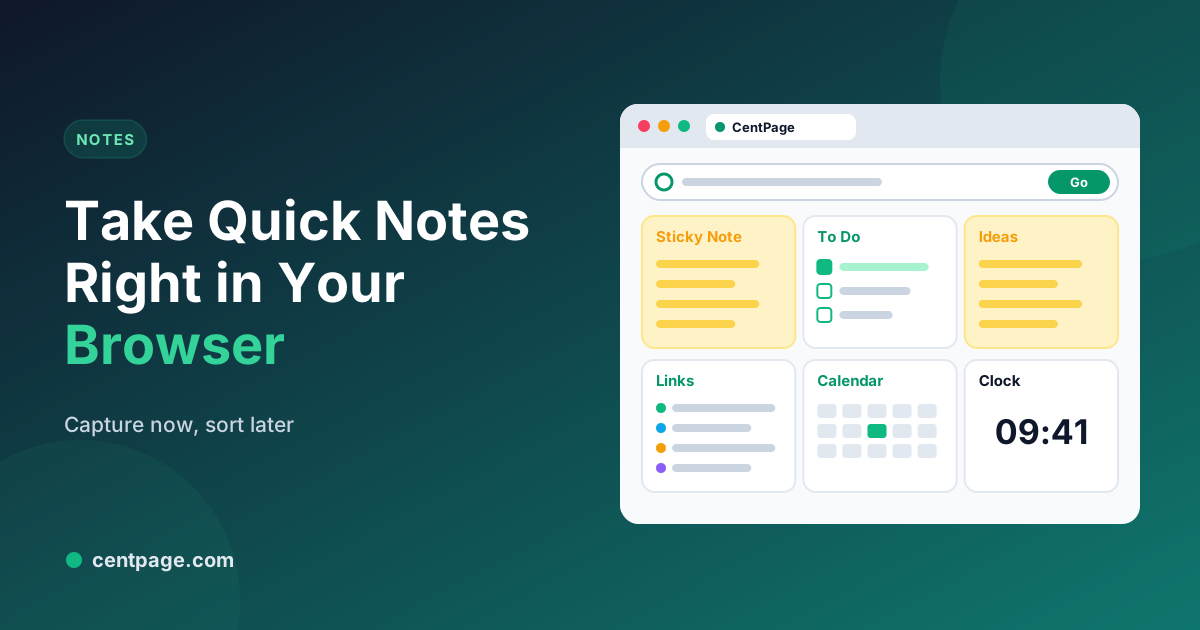
Take quick notes in your browser the moment ideas come up, then sort them so nothing gets lost: sticky notes, a to-do list and a simple weekly review.
CentPage turns your new tab into a productivity dashboard: multi-engine search, bookmark tables and 50 widgets. See features, free vs Premium and setup steps.
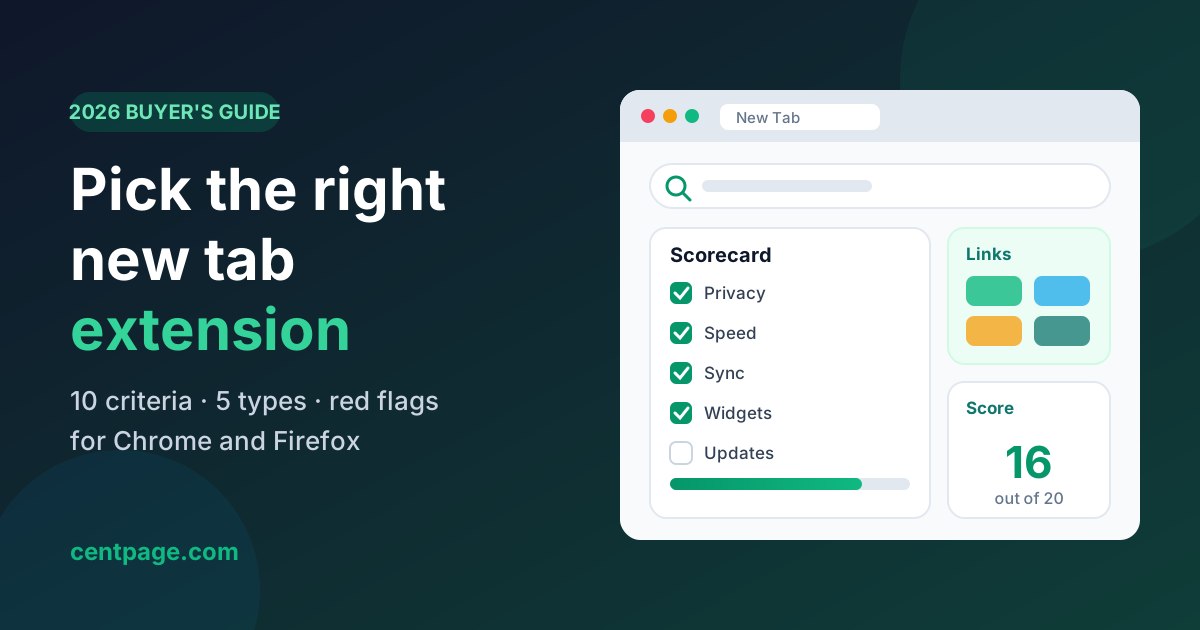
How to choose a new tab extension for Chrome or Firefox in 2026: 10 criteria, a scoring checklist, permission red flags and the five main types compared.
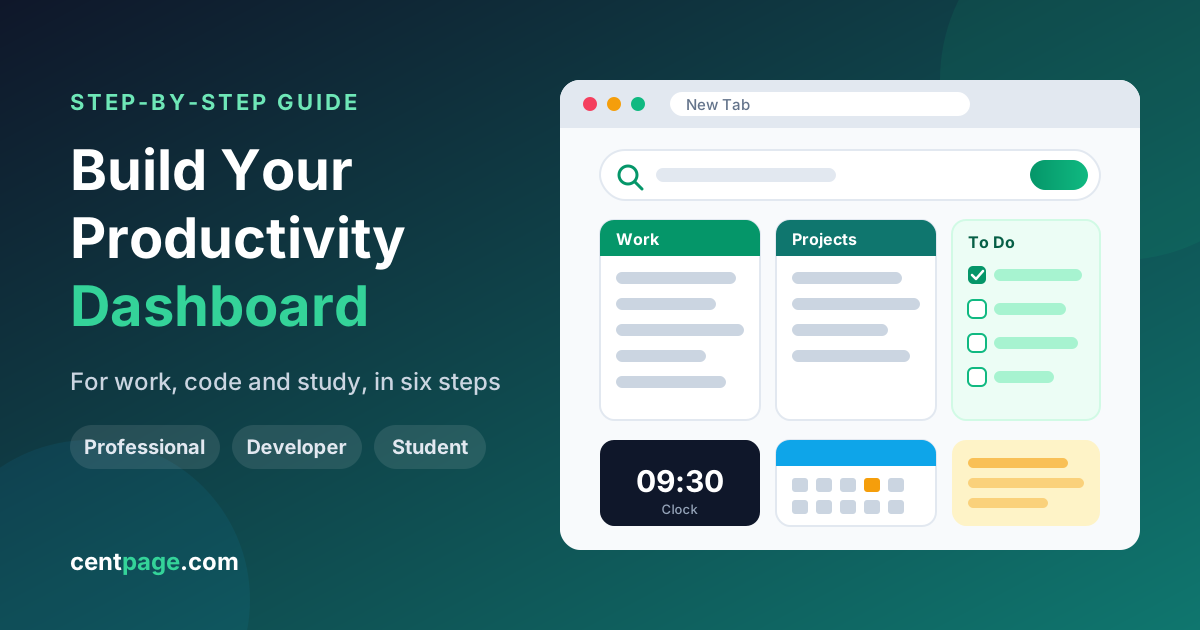
Learn how to create a productivity dashboard in 6 steps, with ready-made setups for professionals, developers and students you can copy into your browser today.
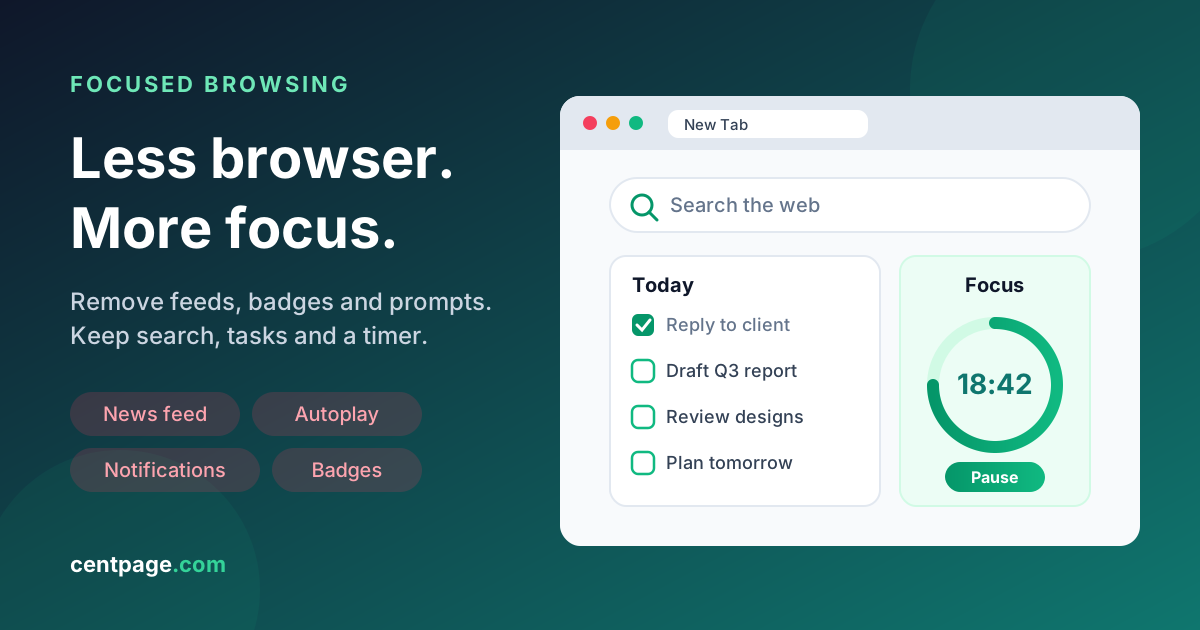
Build a distraction-free browser: remove feeds, notifications and clutter, set up a clean new tab, and use focus sessions to stay on task. 10 practical steps.
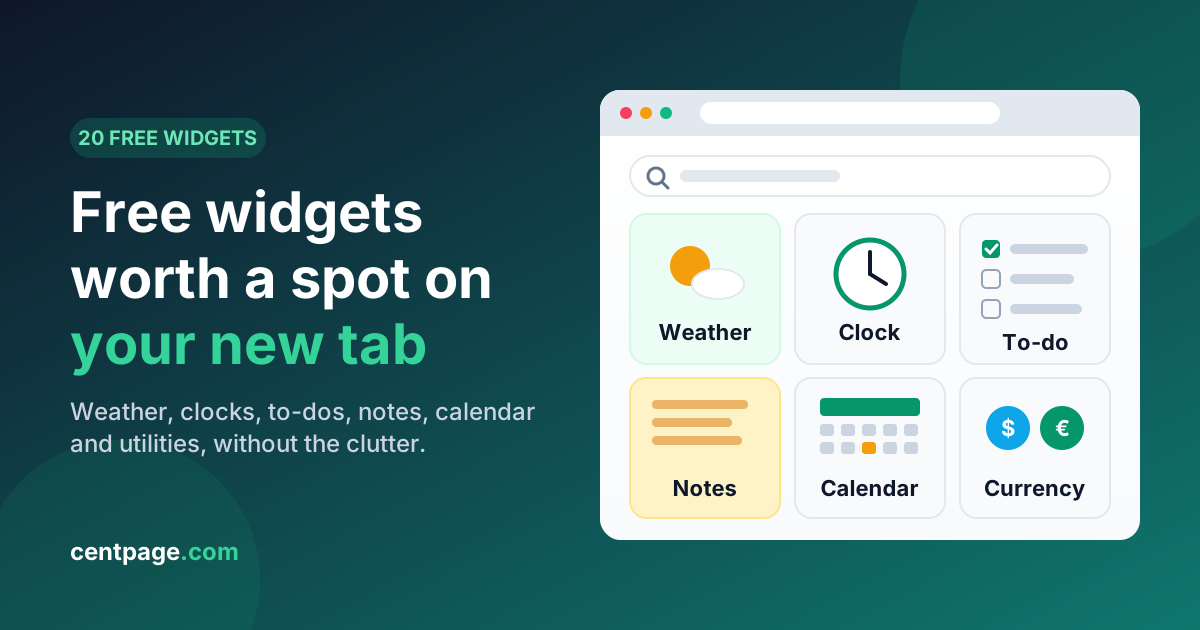
A widget-by-widget guide to free browser widgets for your new tab: weather, world clock, to-do, notes, calendar, currency and more, plus how to avoid clutter.
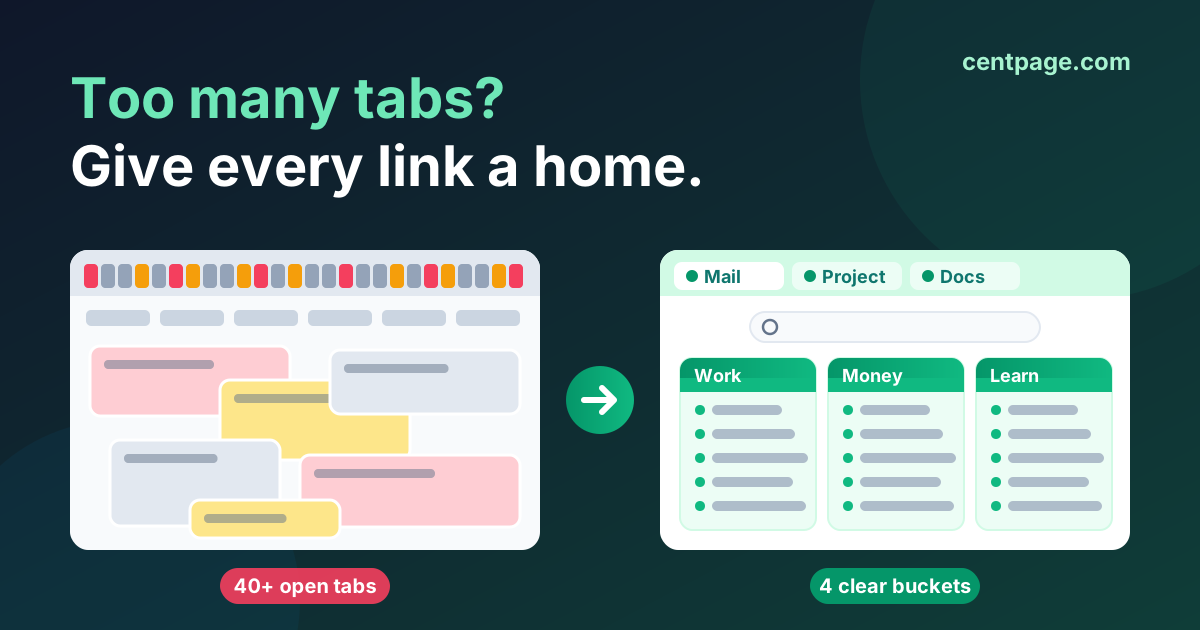
Too many tabs and a bookmark bar nobody opens? Learn why tab overload happens and use a simple 4-bucket system to organize tabs, bookmarks and daily sites.
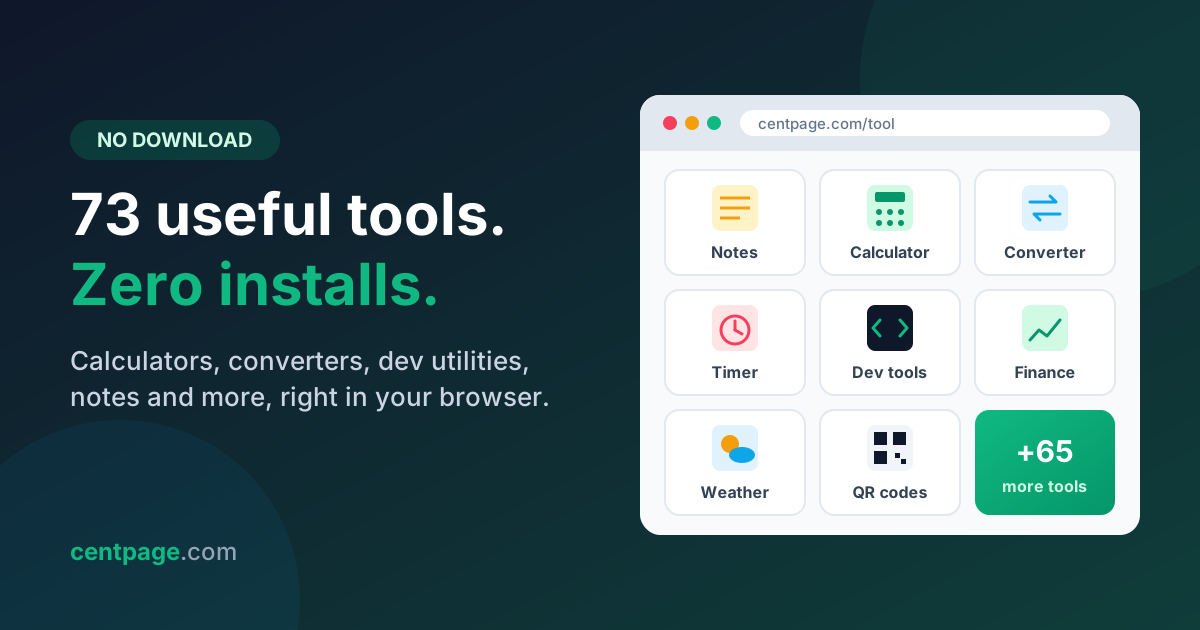
A categorized list of 70+ free online tools that run in your browser with no download: calculators, converters, dev utilities, notes, finance tools and more.
Browser start page guide: homepage vs new tab vs speed dial vs dashboard, how to set one in Chrome, Firefox, Edge and Safari, and how to organize your sites.
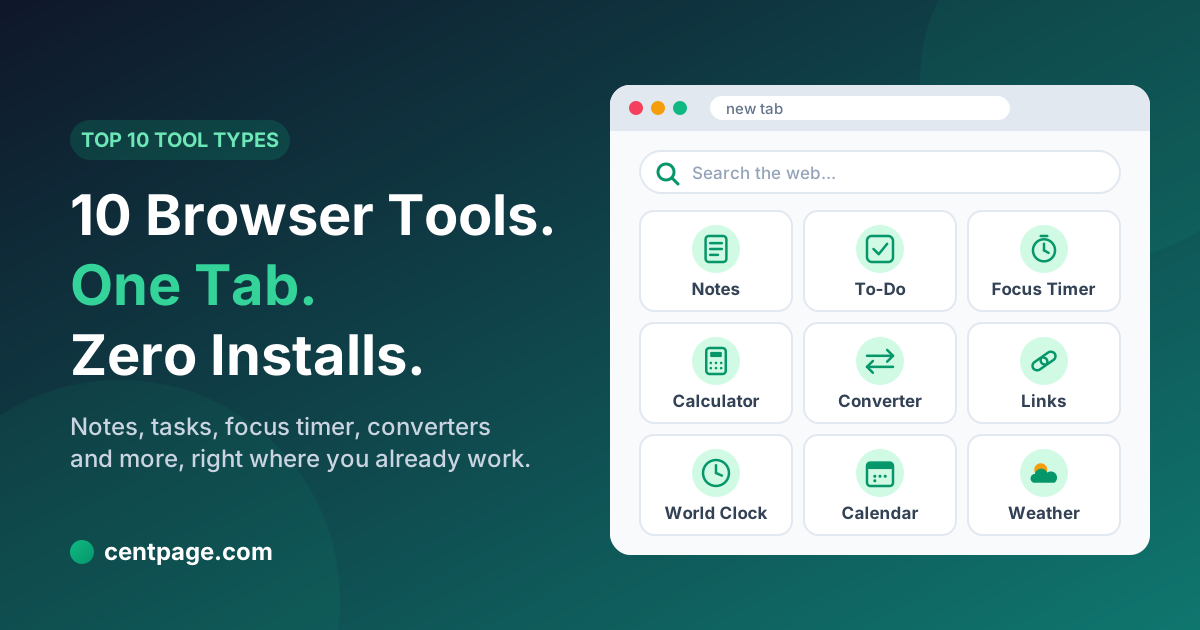
The 10 best browser productivity tools, from quick notes and to-do lists to focus timers and converters, plus how one dashboard cuts context switching.
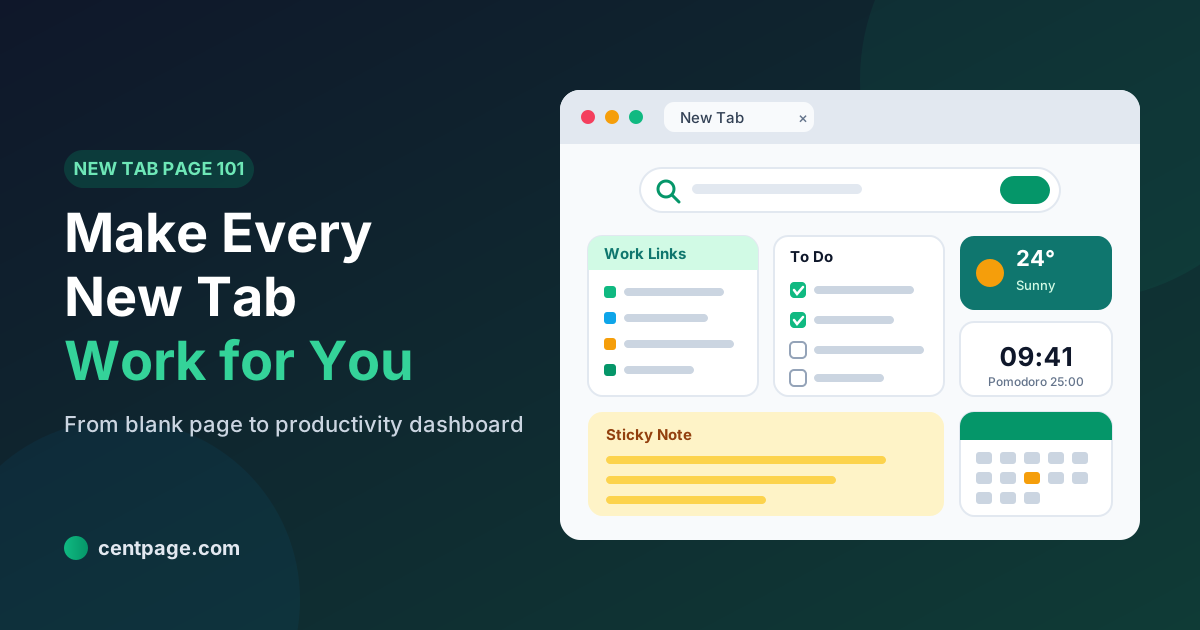
What is a new tab page, how did it evolve, and how do you change it? Learn how to turn the most-seen page in your browser into a useful productivity dashboard.
Too many tabs eating your RAM? Super Session Manager saves, organizes and restores tab sessions and colored tab groups in Chrome, Firefox and Edge.
Personalize your homepage with 50+ live widgets, save time with multi-search engines, and boost your daily workflow with companion browser extensions.