Productivity•9 min read•
The Remote Work Browser Setup: Tools and Habits That Keep You Focused
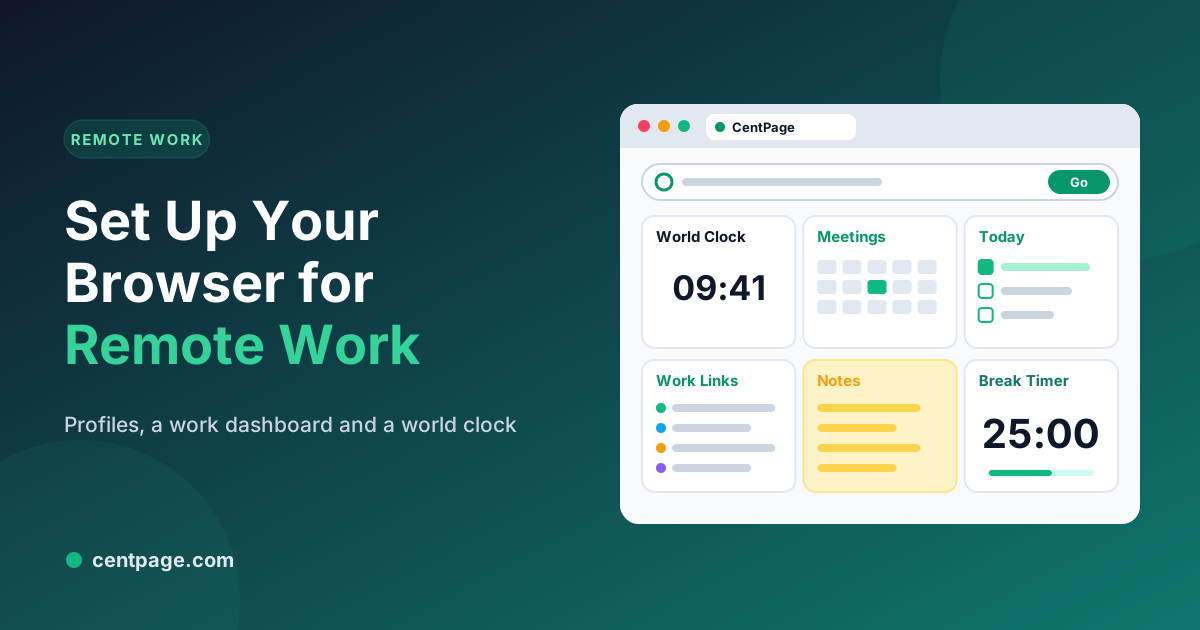
Set up your browser for remote work: separate profiles, a work dashboard, a world clock for teammates, saved sessions per project and a few habits that protect focus at home.
Key Takeaways
- Use separate browser profiles for work and personal browsing so work never mixes with home.
- Make your work profile’s new tab a dashboard: work links, today’s tasks, calendar and a world clock.
- Save each project’s tabs as a session at the end of the day and start tomorrow clean.
- Protect focus with notification rules, scheduled breaks and a clear end-of-day routine.
When you work from home, the browser is the office. It’s where meetings start, documents live, chats ping and the rest of the internet waits one click away. A few deliberate changes turn it from a source of distraction into a workspace with clear edges.
The setup at a glance
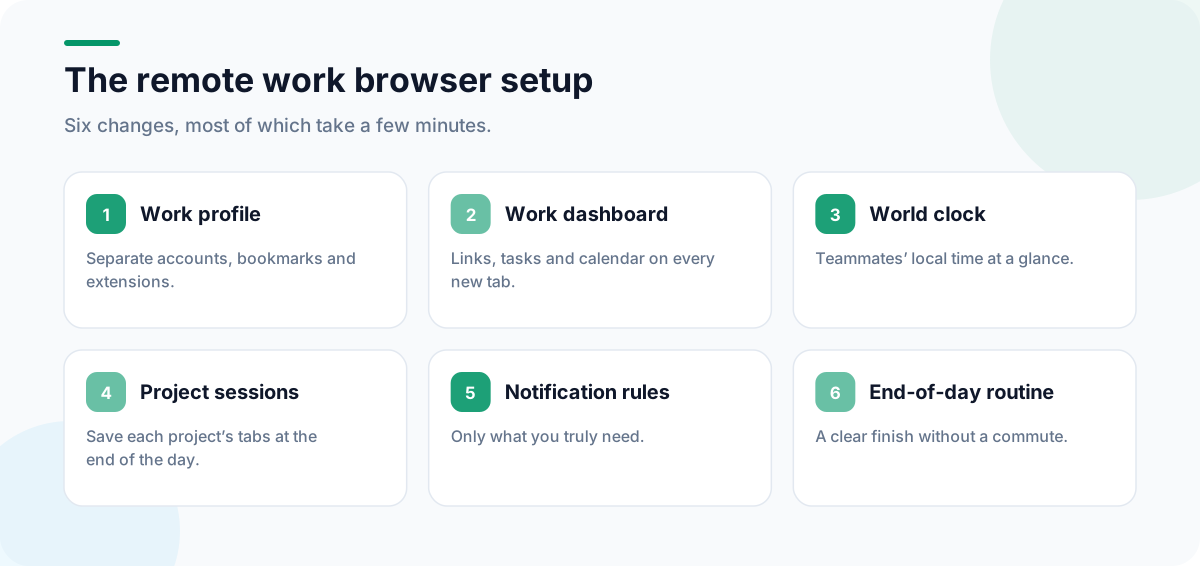
1. Separate work from personal with profiles
Every major browser supports profiles: separate windows with their own bookmarks, history, logins and extensions.
- Chrome: click your profile picture at the top right and choose Add.
- Edge: click your profile picture and choose Add profile.
- Firefox: open
about:profilesto create and launch profiles.
Give the work profile a distinct color or theme so you always know which one you’re in. Personal accounts, shopping and entertainment stay in the other profile, out of sight during work hours.
2. Make your work new tab a dashboard
In the work profile, replace the default new tab with a work dashboard. With CentPage:
- A custom table of work links: email, calendar, chat, project board, shared drive and the two or three tools you use most.
- To Do List with today’s priorities.
- Calendar for meetings and deadlines.
- Clock & Timer, which includes a world clock for teammates in other time zones.
- Sticky Notes for meeting notes and quick ideas.
Install it for Chrome or Firefox in your work profile only, so the personal profile keeps its own new tab.
3. Keep teammates’ time zones in view
Distributed teams waste a surprising amount of time on “is it too late to call?” A world clock on your new tab answers it at a glance. Add your teammates’ cities and check before scheduling.
| Tip | Why it helps |
|---|---|
| Write times in the recipient’s time zone | Avoids conversion mistakes in messages |
| Share your working hours in your chat profile | Sets expectations without explanations |
| Use your calendar’s second time zone | Shows overlap when scheduling |
4. One session per project
Remote work tends to mean more tabs: every document, ticket and dashboard opens in the browser. Instead of keeping them all open, give each project its own window or tab group, and at the end of the day save it as a session with Super Session Manager. Tomorrow, restore just the project you’re working on. Our guide to stopping tab and bookmark overload explains the system.
5. Tame notifications
- Block site notifications you don’t need (browser settings → site permissions → Notifications).
- Keep chat notifications for direct messages and mentions only.
- Batch email: check it at set times rather than whenever a badge appears.
The distraction-free browser setup walks through each of these.
6. Look after yourself
Working from home makes it easy to sit for hours. Schedule breaks with the Pomodoro Timer or a recurring timer, and stand up between meetings. CentPage Premium adds a Desk Wellness Coach widget with stretches and eye-rest exercises.
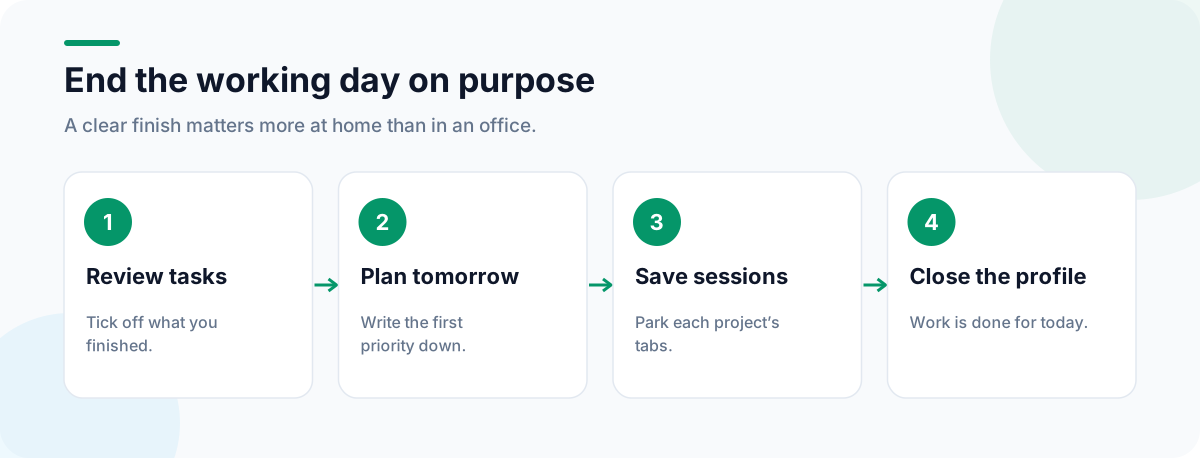
End the day on purpose
Without a commute, work days blur. Finish with a routine: tick off tasks, write tomorrow’s first priority, save your project sessions and close the work profile. Our 5-minute daily planning routine shows how to make that a habit, and the browser keyboard shortcuts guide will save you time throughout the day.
Frequently Asked Questions
Should I use a separate browser profile for work?
Yes. A work profile keeps work accounts, bookmarks, extensions and history apart from personal browsing. It also makes switching off easier: closing the work profile at the end of the day is a clear signal that work is done.
How can I keep track of teammates in other time zones?
Add a world clock to your new tab. CentPage’s free Clock & Timer widget includes a world clock, so you can see colleagues’ local times before scheduling a call or sending a message.
How do I stop work tabs piling up?
Group tabs by project, close what you have finished, and at the end of the day save each project’s tabs as a named session with a session manager. Tomorrow, restore only the session you need.
Which widgets help remote workers?
To Do List, Calendar, Clock & Timer, Sticky Notes, Weather and Currency Converter are free. Premium adds the Desk Wellness Coach for stretch and eye-rest reminders, among others.
Tags:#Remote Work#Work From Home Setup#Browser Profiles#World Clock#Remote Team Tools#Focus at Home
More from the CentPage Blog
Productivity
A 5-Minute Daily Planning Routine You Can Run From Your New Tab
Plan your day in five minutes each morning: pick three priorities, block time for them and keep them in front of you on every new tab. A practical routine with a dashboard layout to copy.
8 min readRead →
Productivity
How to Build a Distraction-Free Browser Setup (Step by Step)
Build a distraction-free browser: remove feeds, notifications and clutter, set up a clean new tab, and use focus sessions to stay on task. 10 practical steps.
11 min readRead →