Browser Tips•8 min read•
How to Use Multiple Search Engines (and Why You Should)
Get better results by searching more than one engine: when to switch, how to set search shortcuts in Chrome, Firefox and Edge, and how to search several engines from a single box.
Key Takeaways
- Different search engines rank results differently, so a second engine is the quickest fix for thin or repetitive results.
- Search shortcuts (keywords) let you search a specific engine or site straight from the address bar.
- Chrome: Settings → Search engine → Manage search engines and site search. Firefox: Settings → Search → Search Shortcuts. Edge: Settings → Privacy, search, and services → Address bar and search.
- A multi-engine search bar on your new tab lets you switch engine without retyping the query.
Most of us use one search engine for everything, out of habit. But every engine crawls the web on its own and ranks results by its own rules. When the first page of results is thin, repetitive or full of ads, the fastest fix is often not a cleverer query; it’s a second engine.
When to switch engines
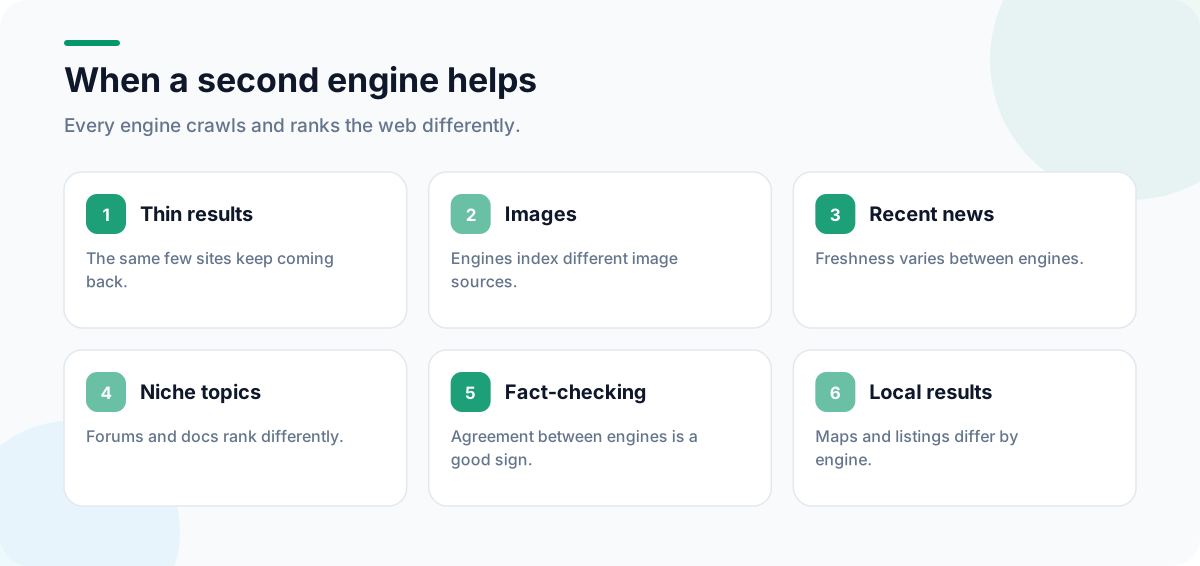
- Thin or repetitive results: the same few sites keep coming back.
- Images: different engines index different image sources.
- Recent news: freshness varies between engines.
- Niche or technical topics: forums and documentation may rank differently.
- Fact-checking: if two engines agree on the top sources, that’s a good sign.
Set up search shortcuts in your browser
Search shortcuts (also called keywords) let you type a short word in the address bar to search a particular engine or site.
Chrome
- Go to Settings → Search engine → Manage search engines and site search.
- Next to Site search, click Add.
- Enter a name, a shortcut such as
wand a URL with%swhere the query goes, for examplehttps://en.wikipedia.org/w/index.php?search=%s. - Type
w, pressTaborSpace, then your search.
Firefox
- Go to Settings → Search.
- Under Search Shortcuts, double-click the Keyword column next to an engine and type a short keyword.
- Type
@in the address bar to see your shortcuts, or type a keyword followed by your search.
Edge
- Go to Settings → Privacy, search, and services → Address bar and search → Manage search engines.
- Add an engine with a keyword and a URL containing
%s.
Shortcuts worth setting up
| Keyword | Searches | URL pattern |
|---|---|---|
w | Wikipedia | https://en.wikipedia.org/w/index.php?search=%s |
yt | YouTube | https://www.youtube.com/results?search_query=%s |
maps | Google Maps | https://www.google.com/maps/search/%s |
mdn | MDN Web Docs | https://developer.mozilla.org/en-US/search?q=%s |
Search several engines from one box
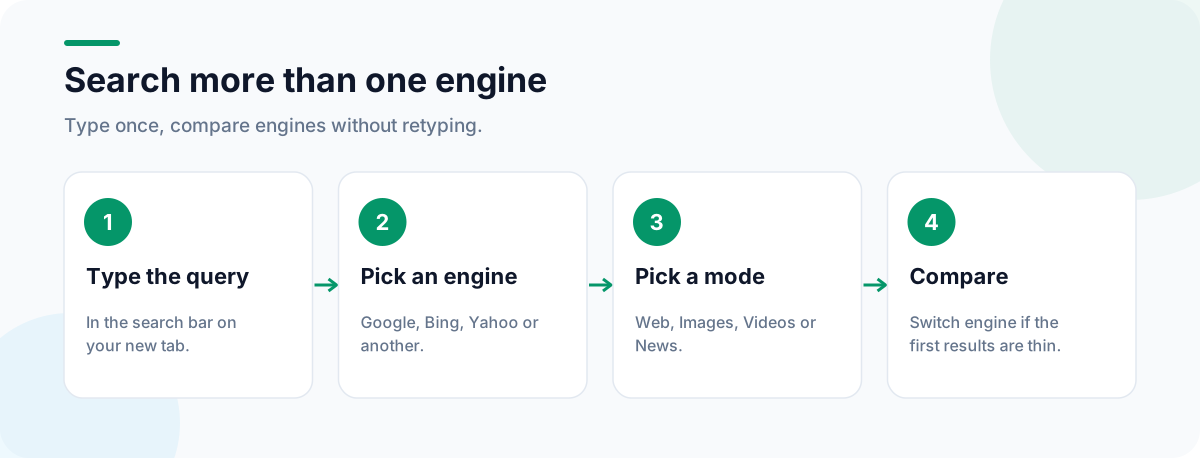
Shortcuts are fast once memorized, but switching still means retyping or editing the query. A multi-engine search bar solves that: type once, then pick the engine.
The search bar on CentPage lets you search Google, Bing, Yahoo and other engines from one place, and switch between Web, Images, Videos and News modes to go straight to the result type you need. Because it sits on every new tab, it’s the first thing you see when you go to search. Install it for Chrome or Firefox, or read the full CentPage tour. To make it the first page you see when the browser starts, see how to set your homepage.
Search operators that work almost everywhere
| Operator | Example | Finds |
|---|---|---|
"quotes" | "new tab page" | The exact phrase |
- | jaguar -car | Results without a word |
site: | site:centpage.com widgets | Results from one site |
filetype: | budget template filetype:xlsx | A specific file type |
Support varies slightly between engines, but these four are widely understood. For more tools that work straight from the browser, see useful browser tools you can use without installing apps.
When the page you need is gone
Sometimes search finds a result that no longer exists. An archived copy may survive: Web Archive Viewer’s guide to the Wayback Machine and its alternatives explains where to look. And if you’re researching with lots of tabs open, our list of browser keyboard shortcuts will save you plenty of clicks.
Frequently Asked Questions
Why do different search engines give different results?
Each engine crawls the web independently and uses its own ranking signals, so the same query can surface different pages. Using a second engine is a fast way to find sources the first one ranked lower.
How do I add a site search shortcut in Chrome?
Go to Settings → Search engine → Manage search engines and site search, click Add next to Site search, and enter a name, a shortcut keyword and a URL with %s where the query goes. Then type the keyword in the address bar followed by your search.
Can I search several engines at once?
Browsers search one engine at a time. A multi-engine search bar, like the one on CentPage, keeps your query and lets you switch between engines and result types with one click.
Does changing my search engine affect my privacy?
Yes, each engine has its own privacy policy and data practices. If privacy matters to you, read the policies of the engines you use and choose accordingly.
Tags:#Multiple Search Engines#Search Shortcuts#Site Search Chrome#Firefox Search Shortcuts#Better Search Results#Multi-Engine Search
More from the CentPage Blog
Browser Tips
30 Browser Keyboard Shortcuts That Save Time Every Day
The browser keyboard shortcuts worth learning for Chrome, Firefox and Edge: tabs, windows, address bar, search, bookmarks and page navigation, on Windows and Mac.
7 min readRead →
Productivity
50+ Useful Browser Tools You Can Use Without Installing Apps
A categorized list of 70+ free online tools that run in your browser with no download: calculators, converters, dev utilities, notes, finance tools and more.
11 min readRead →