Productivity•7 min read•
How to Take Quick Notes in Your Browser (Without Losing Them)
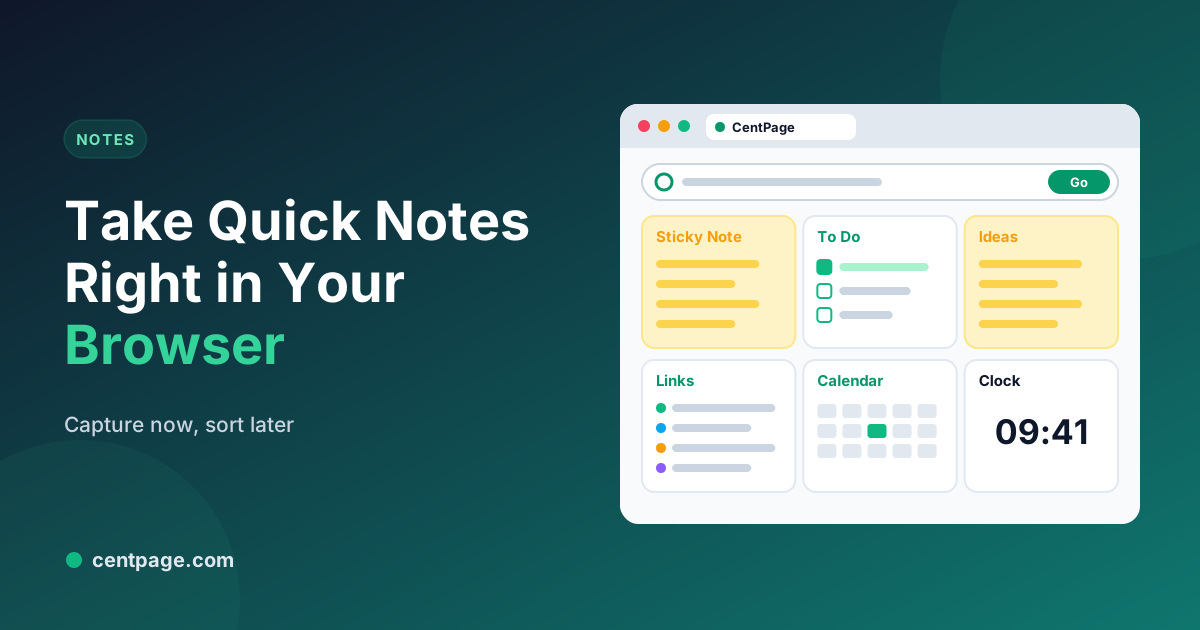
Capture ideas, to-dos and snippets the moment they come up, right in your browser, then sort them so nothing gets lost. A simple capture habit with sticky notes, a to-do list and a weekly review.
Key Takeaways
- The best place to capture a thought is wherever you already are, and for most of the day that’s the browser.
- Keep one capture spot: sticky notes on your new tab are one keypress (Ctrl+T) away.
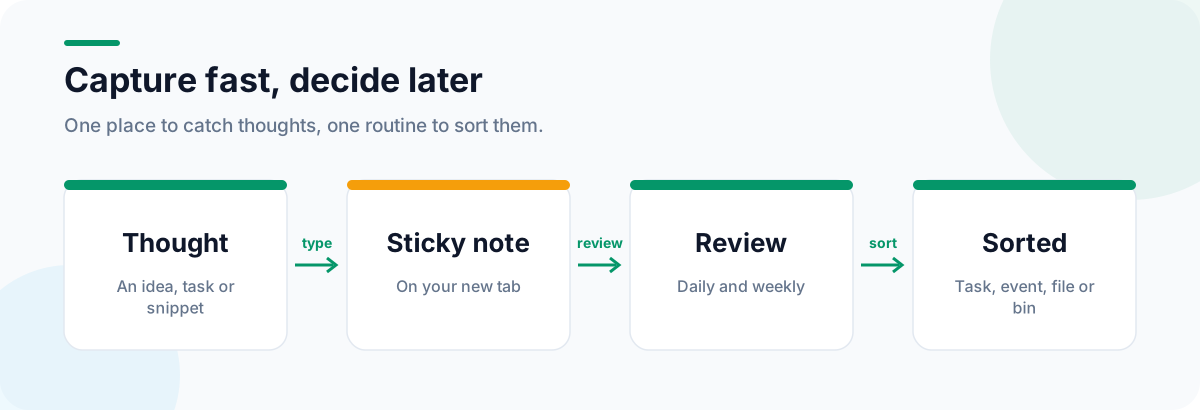
- Capture fast, sort later: turn notes into tasks, calendar events, reference notes or the bin.
- A short weekly review keeps quick notes from turning into clutter.
Good ideas and urgent reminders rarely arrive at a convenient moment. They show up in the middle of a meeting, halfway through an article, or while you’re trying to concentrate on something else. If capturing them takes more than a few seconds, you either lose the thought or lose your focus.
The answer is a capture habit: one quick place to drop thoughts, and a routine for sorting them later.
Capture where you already are
For most of the working day, you’re in the browser, so that’s where capture should happen. The fastest capture spot is one keypress away: your new tab.
With CentPage, add the free Sticky Notes widget to your new tab dashboard, next to your To Do List. Now Ctrl+T (Cmd+T on a Mac) puts a notepad in front of you, you type the thought, and you close the tab and carry on. You can also use the Sticky Notes tool as a standalone page without installing anything.
What to capture
- Tasks that pop into your head: “Reply to Sam about the invoice.”
- Ideas for later: an article topic, a product name, a gift.
- Snippets: a phone number, a reference code, a quote with its source.
- Questions to ask in the next meeting or class.
- Links you need later today (longer-term links belong in bookmarks; see how to organize your bookmarks).
Capture fast, sort later
The rule that makes this work: don’t organize while capturing. Type the thought as it is, then get back to what you were doing. Sorting happens later, in one go.
The daily and weekly review
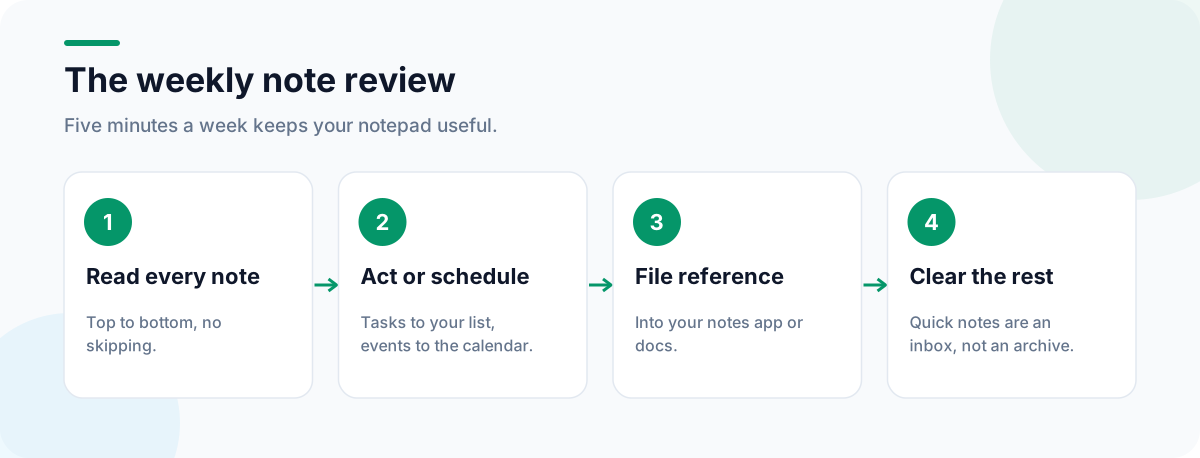
At the end of each day, or as part of your daily planning routine, go through your notes and decide what each one is:
| It’s a… | Move it to… |
|---|---|
| Task | Your To Do List, with a date if it has one |
| Event | Your calendar |
| Reference | Your notes app or a document |
| Link to keep | Bookmarks or a custom link table |
| Done or irrelevant | The bin |
Once a week, clear anything that has been sitting there for more than a few days. Quick notes are an inbox, not an archive.
Tips for better quick notes
- Start each note with a verb if it’s a task: “Call”, “Send”, “Check”.
- Add context you’ll need later: who, which project, which page.
- Keep sensitive information out of quick notes. Passwords belong in a password manager.
- One notepad, not five. Notes scattered across apps are as good as lost.
Notes for research and study
When you’re researching, notes often need their sources. Keep the page title and link with the note, and if the source might change, save an archived copy: Web Archive Viewer’s guide to web archives for journalists and researchers shows a simple preserve-and-cite workflow. Students will find a full layout, including notes, in our study dashboard guide, and our list of free browser widgets worth adding covers what else belongs next to your notepad.
Install CentPage for Chrome or Firefox to keep your notepad one keypress away.
Frequently Asked Questions
What is the quickest way to take a note in the browser?
Open a new tab with a notepad on it. If your new tab is a dashboard with a sticky notes widget, pressing Ctrl+T (Cmd+T on a Mac) puts a notepad in front of you instantly.
Are quick notes the same as a note-taking app?
No. Quick notes are a temporary inbox for thoughts you don’t want to lose right now. Anything worth keeping long term should move to your main notes app, documents or task list during your review.
Can I use CentPage’s notepad without installing the extension?
Yes. The Sticky Notes tool also works as a standalone page on centpage.com. Installing the extension adds it to every new tab.
How often should I clear my quick notes?
Glance at them at the end of each day and do a proper review once a week. If notes have been sitting there for more than a week, decide: do it, schedule it, file it or delete it.
Tags:#Quick Notes#Browser Notepad#Sticky Notes Online#Note Taking#Capture Ideas#Online Notepad
More from the CentPage Blog
Productivity
A 5-Minute Daily Planning Routine You Can Run From Your New Tab
Plan your day in five minutes each morning: pick three priorities, block time for them and keep them in front of you on every new tab. A practical routine with a dashboard layout to copy.
8 min readRead →
Browser Tips
How to Organize Your Bookmarks (A Simple System That Lasts)
Clean up years of browser bookmarks and keep them tidy with a simple four-part system: daily links, project folders, a reading list and an archive. Works in Chrome, Firefox and Edge.
9 min readRead →